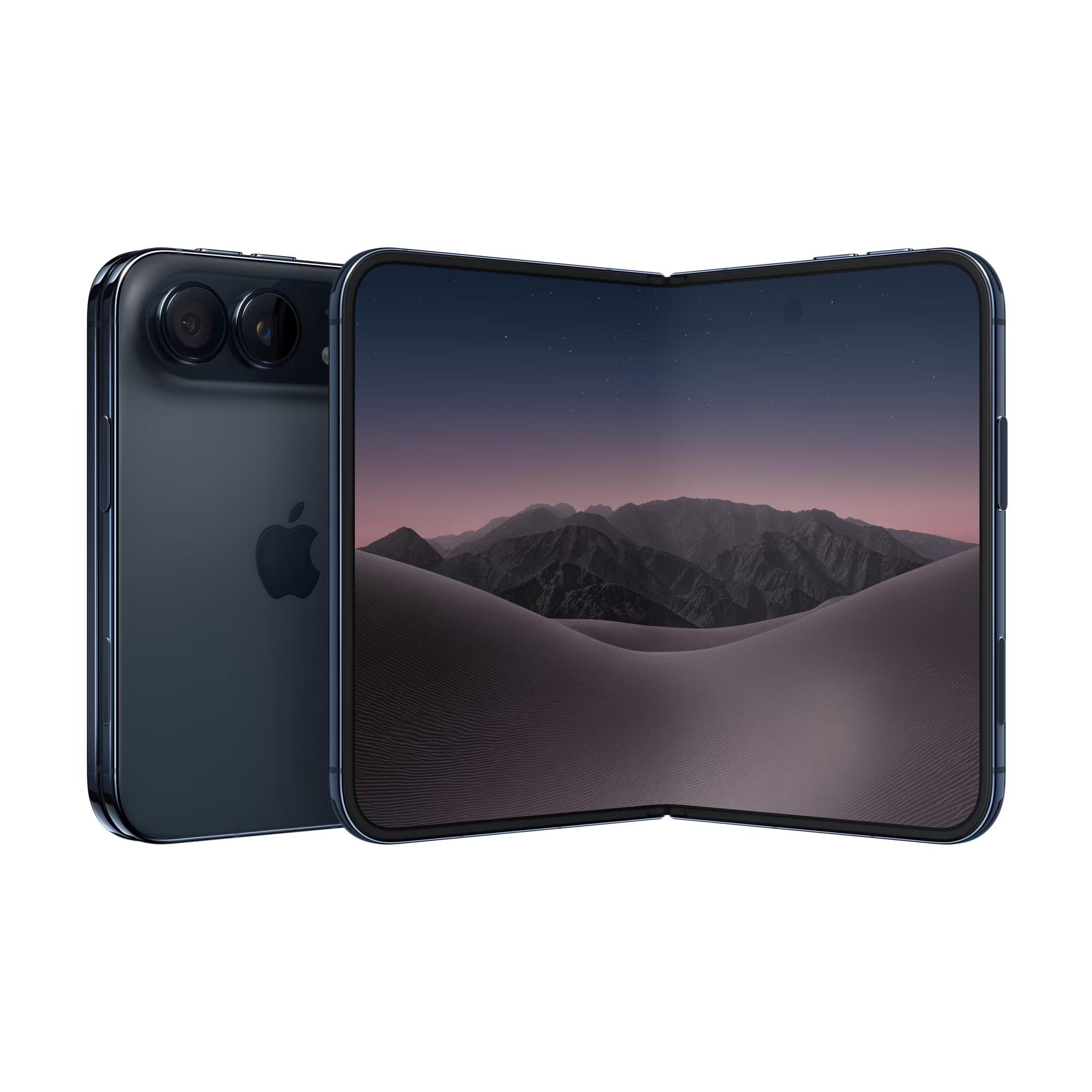
Every Pro iPhone Apple has made unlocks by looking at you. The iPhone Duo does not. It brings back Touch ID, built into the side button. For many buyers that is the first surprise about Apple’s foldable, so this guide explains why, how secure it is, and how to set it up so you never think about it.
The short answer: Apple chose Touch ID so the Duo unlocks the same way whether it is open or closed. It is secure for everyday use, though by Apple’s own figures Face ID is the stronger of the two. Your banking apps, Apple Pay and passwords all work with it.
Why Touch ID on the Duo
Apple’s explanation is that Touch ID in the side button gives easy, secure and consistent authentication whether iPhone Duo is open or closed.
The reasoning follows from the design. The Duo is used in several positions: closed like a phone, open like a small tablet, upright or on its side. Face ID needs a camera system facing you, and the Duo’s two screens face different ways. One fingerprint sensor in the side button works in every position without asking you to angle the phone at your face.
Apple also lets you unlock the Duo with an Apple Watch.
How secure is it?
Apple publishes the odds of a random person unlocking a device with each method, in its Platform Security guide:
| Chance a random person unlocks it | |
|---|---|
| Touch ID, one fingerprint | Less than 1 in 50,000 |
| Touch ID, five fingerprints | Up to 1 in 10,000 |
| Face ID | Less than 1 in 1,000,000 |
Source: Apple Platform Security.
So Face ID is the stronger method on paper, and each extra fingerprint you add slightly raises Touch ID’s odds. In practice, both are far beyond what a thief can guess. Apple says fingerprint data is encrypted and protected by the device’s Secure Enclave, and is not sent to Apple or backed up to iCloud.
The weaker point on any iPhone is usually the passcode. A six-digit code, or longer, matters more to your security than which biometric you use.
What it means day to day
Better than Face ID for:
- wearing a face mask, a helmet or sunglasses
- unlocking the phone flat on a desk or table
- unlocking while the phone is open on its side
Worse than Face ID for:
- wet, sweaty or oily fingers, which are common in summer heat or after a workout
- gloves, which matters in a Canadian winter
- unlocking without touching the phone at all
Banking apps, Apple Pay and passwords
iOS treats Touch ID and Face ID as the same kind of check, so apps that use Face ID simply use Touch ID on the Duo. That includes:
- Banking apps. After setting up a new phone, most ask you to sign in once with your password and then turn biometrics back on in their settings.
- Apple Pay, where Touch ID confirms each payment.
- Saved passwords and passkeys in the Passwords app.
Turn on Stolen Device Protection in Settings too. It asks for Touch ID, rather than accepting only your passcode, for sensitive changes away from familiar places, which matters if someone watches you type your code and then takes the phone.
Setting it up well
- Enrol up to five fingers. Thumbs and index fingers on both hands cover most ways of picking the phone up.
- Enrol each finger in more than one position. Hold the phone closed for one pass and open for another, so the sensor learns the parts of your finger that actually touch it.
- Keep the button clean. A quick wipe fixes most failed reads.
- Re-enrol a finger if it often fails, for example after a cut or if your skin changes with the weather.
Coming from Face ID
The first week is the adjustment. You will look at the phone and wait for it to open, and then remember to touch the button. Most people stop noticing within a few days, and some prefer it for unlocking with the phone on a table.
If Face ID is a deal-breaker for you, the iPhone 18 Pro and Pro Max use it, as do the other current Pro models. Our Is the iPhone Duo worth it? guide covers the rest of the decision.
Every unit is tested before it ships and backed by our 15 day return policy. Order online for delivery across Canada, next day in the GTA.